
Live collaboration
The room stays at the center.
AK
MS
JL
+9
LIVE CHAT
Decision captured and pinned.
I’ll own the follow-up.
Shared context
Room notes updated
Your collaboration operating system
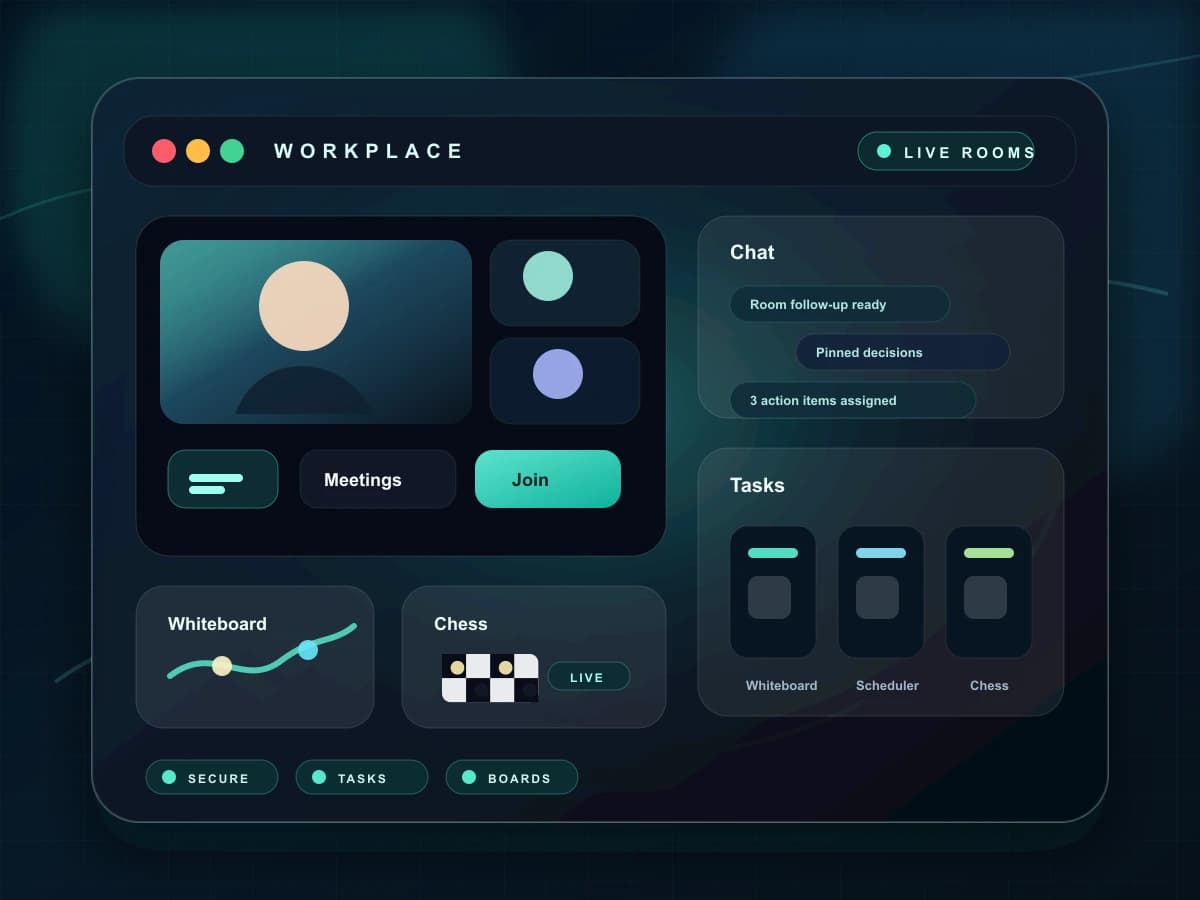
Rooms, messages, tasks, notes, calendars, and live tools share one workspace instead of becoming separate islands.
One
shared context
Live
room continuity
6+
connected tools
Product room · 12 people
Notes, decisions, and tasks syncing live
One workspace
Rooms and work stay connected
Live sync
Shared state across participants
Web + mobile
Consistent cross-device access
Role aware
Controls follow room responsibility
Move from a live room to messages, action items, schedules, and shared knowledge without rebuilding who is involved or what was decided.
Live collaboration
Shared context
Room notes updated
Execution flow
Finalize launch brief
Maya · Today
Review prototype
Design · 14:30
Share room recap
Automatic
Room intelligence
Recaps, owners, and next steps remain reviewable.
ChatRook keeps the live conversation and the work it creates connected, so a team can leave a call without losing decisions, ownership, or the next action.
Open the hub and see the rooms, conversations, and work surfaces available to you.
Launch a meeting, message, task board, whiteboard, or calendar flow from one place.
Presence and room activity remain visible while the team works across surfaces.
Reopen the room and recover the notes, tasks, and people attached to it.
Each capability has a clear purpose and a direct place in the collaboration lifecycle.
Start or join camera and audio rooms from the same workspace shell.
Keep direct conversations, files, invitations, and call activity together.
Turn decisions into owned work without rebuilding the context.
Open whiteboards and shared planning surfaces beside the room.
Schedule meetings and see room-linked work on the calendar.
Use summaries, notes, and extracted actions as reviewable follow-up.
Solution
ChatRook Workspace
Enter the workspace
Open the hub and see the rooms, conversations, and work surfaces available to you.
Start in context
Launch a meeting, message, task board, whiteboard, or calendar flow from one place.
Collaborate live
Presence and room activity remain visible while the team works across surfaces.
Return with continuity
Reopen the room and recover the notes, tasks, and people attached to it.
The value appears in the handoff between a live room and the work that continues afterward.
The conversation and its outputs remain attached to the same workspace context.
Owners can move from a live room to tasks, notes, or scheduling without a new setup.
The hub provides a consistent place to continue work after the meeting ends.
The product surface keeps access, ownership, and durable context visible so teams can make deliberate choices.
These capabilities share the room, participant, and follow-up context around this workflow.
Move from a conversation into a direct audio or video call with synchronized ringing, media controls, and explicit end states.
Write decisions, references, and follow-up in a persistent note surface that stays attached to the room.
See availability, live-room presence, and current collaboration signals without interrupting the team to ask.
ChatRook workspace