
Live rooms
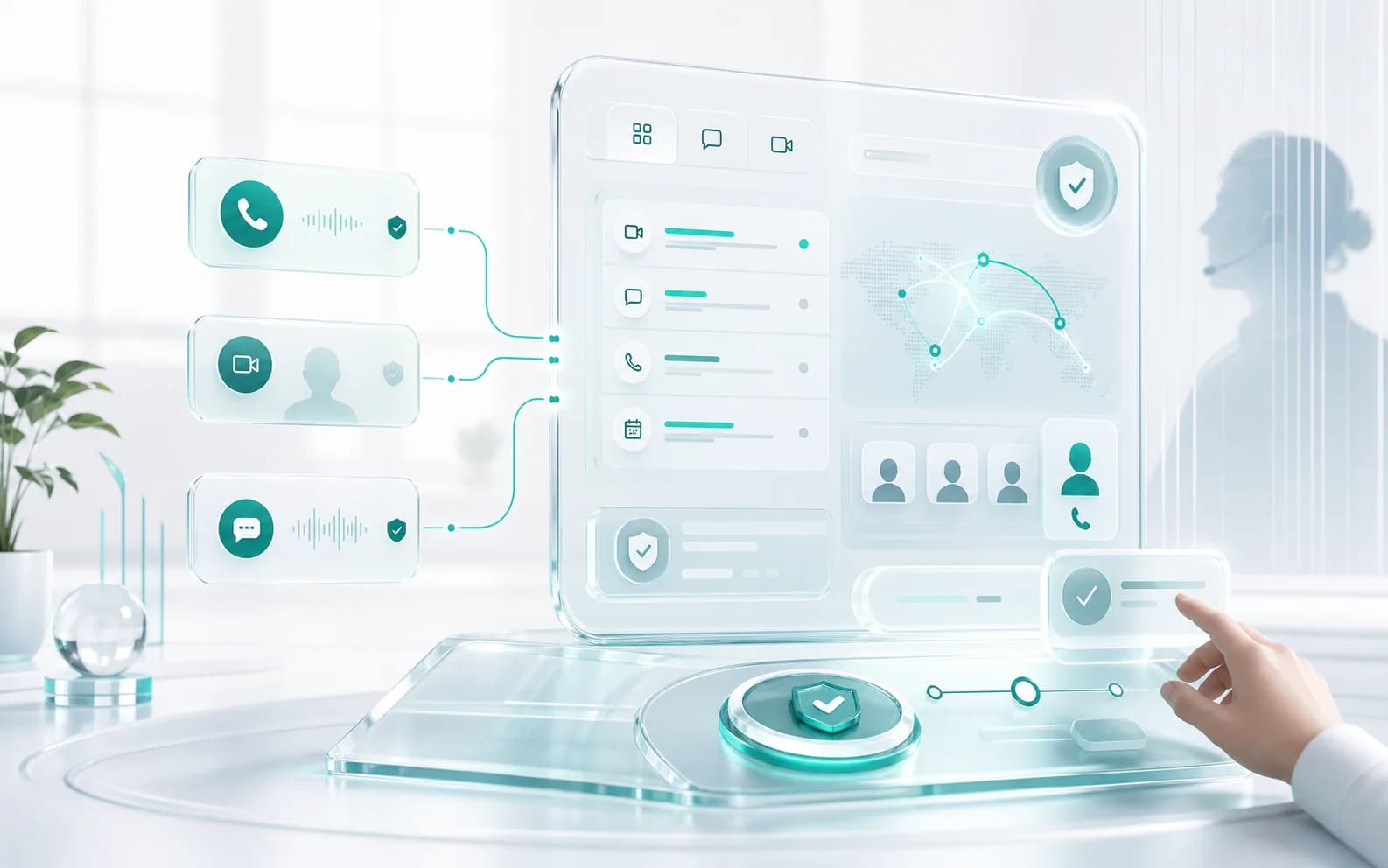
HD calls, participant controls, screen sharing, and room presence in one browser-first space.
Start a live room, keep the chat, open tasks, draw on a whiteboard, play chess, and let AI turn the session into usable context.
Live room
Video, chat, share
Work surfaces
Tasks and boards
Activities
Whiteboard, chess
Pro layer
AI and transcription

One room, many surfaces
The live call stays connected to the tools people actually use after the meeting.
Room
Live call active
Tasks
Board linked
AI
Recap ready
ChatRook keeps the common collaboration surfaces close together so teams can move quickly without reconstructing the room history.
HD calls, participant controls, screen sharing, and room presence in one browser-first space.
Room chat, voice tools, and meeting signals stay attached to the session context.
Open the current board, assign work, track status, and return later from the dashboard.
Draw, map ideas, annotate decisions, and export the shared board when the room closes.
Create a chess room for breaks, team rituals, or lightweight shared activity.
Use AI recap, transcription, summaries, and follow-up prompts when the room needs memory.
These are not side links. They sit next to the room so recent activity and shared context stay visible.
Tasks
Whiteboard
Chess
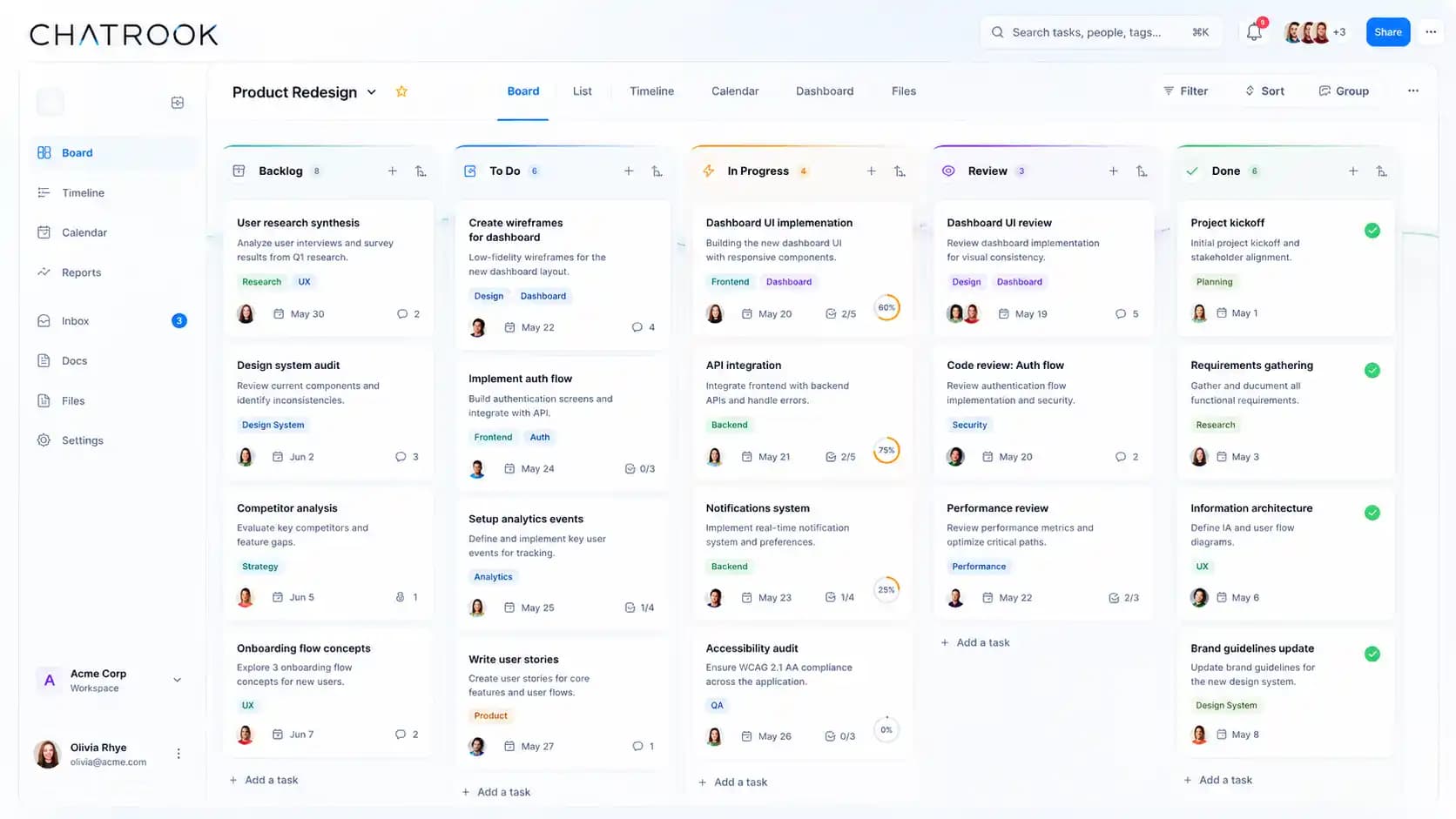
Board workflow
Create a task board, open existing boards, page through saved boards, and keep room work organized.
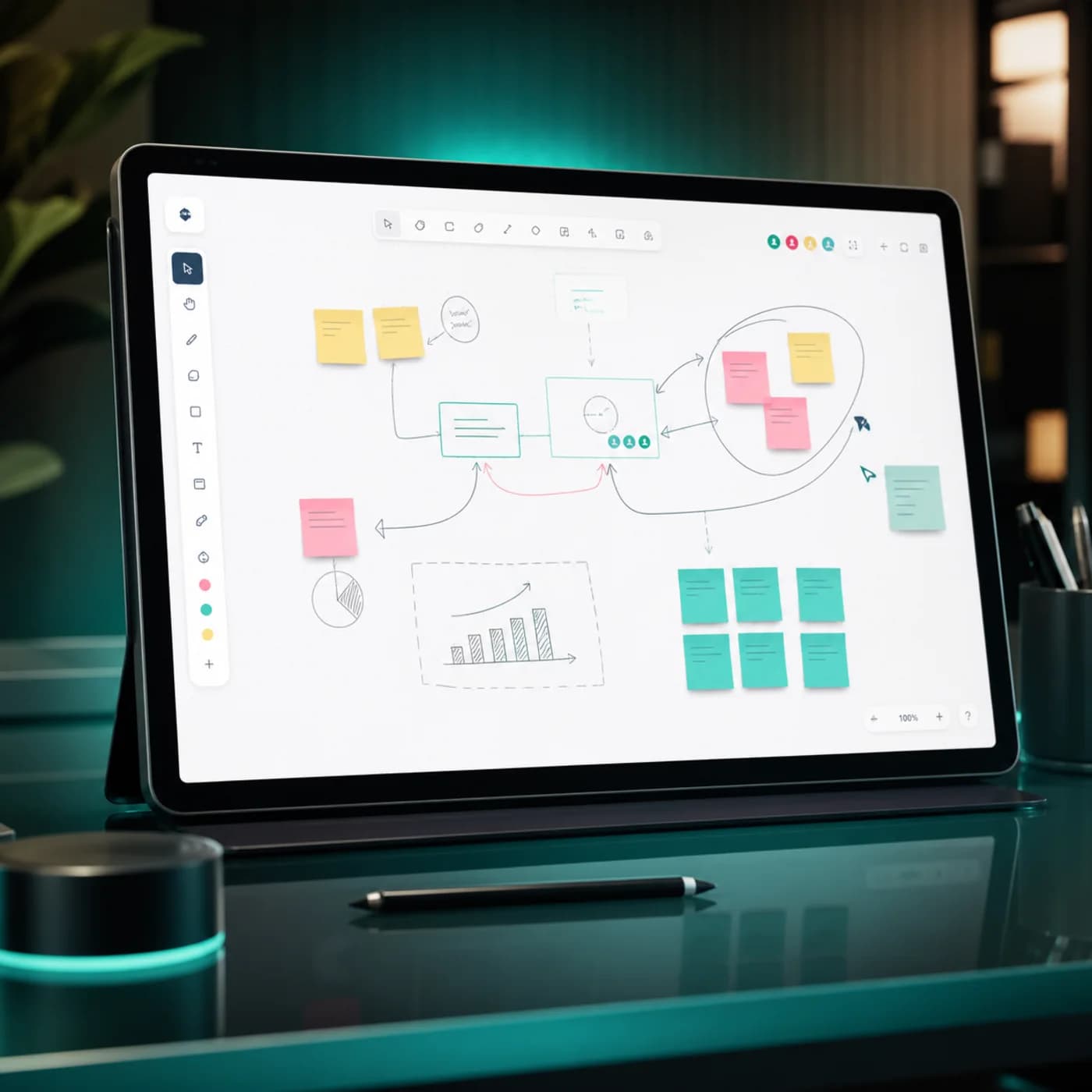
Visual planning
Sketch flows, map decisions, and build a shared visual record from the same room.
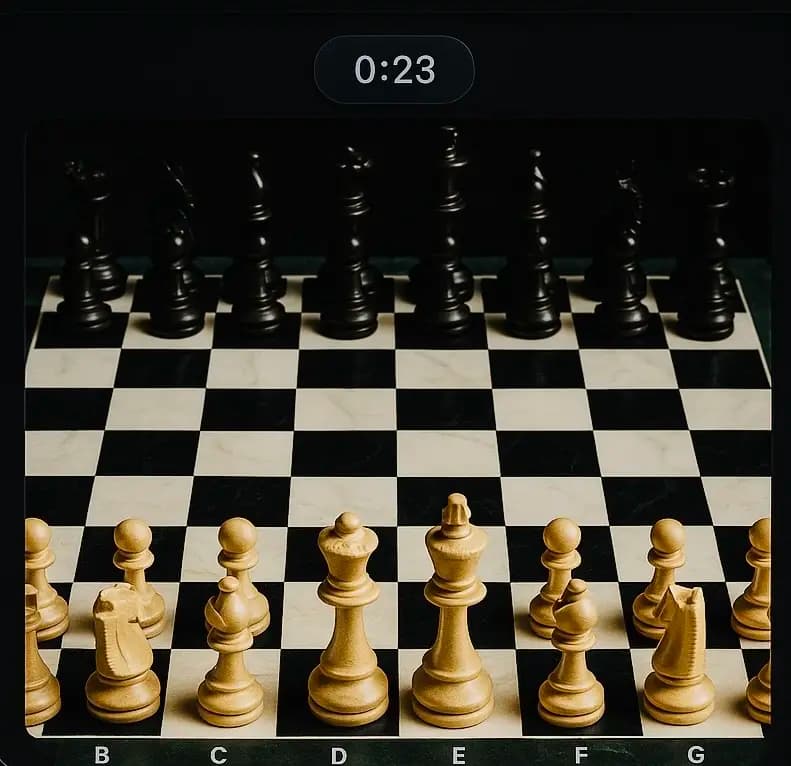
Room games
Launch a chess room from the dashboard for focused breaks and team play.
ChatRook is designed around deliberate access, private room links, password-protected boards, and encrypted media controls.
Invite by room link, code, or authenticated dashboard entry.
Task boards can require a password before tasks load.
WebRTC media encryption and peer controls protect live communication.
Recent activity stays tied to the signed-in workspace.
Communication
Video rooms, chat, screen sharing, voice controls
Work
Task boards, whiteboard, files, room history
AI
Recaps, transcription, RookGPT, follow-up prompts
Activities
Chess rooms and shared team moments
Security
Room IDs, board passwords, authenticated access, encrypted media