
Availability signal
Present a compact, understandable team state.
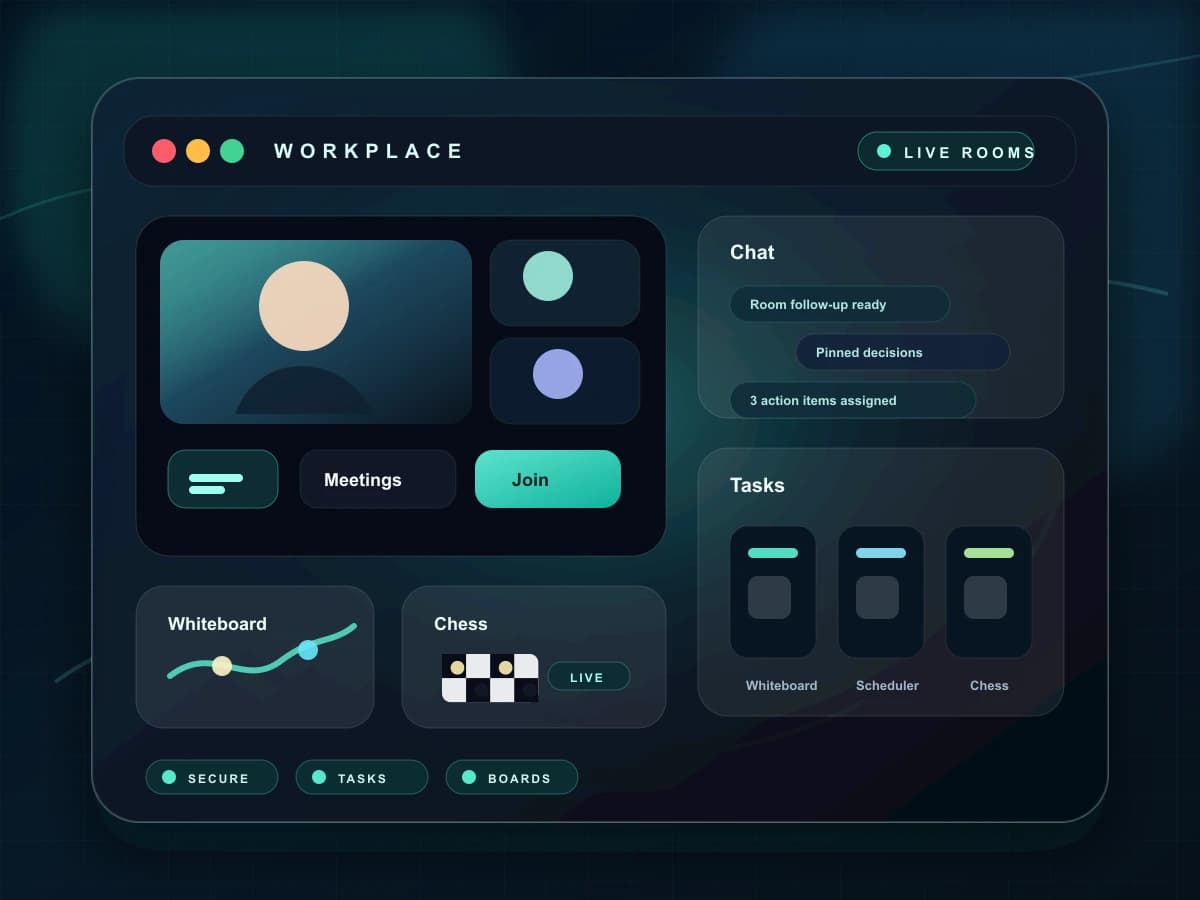
See availability, live-room presence, and current collaboration signals without interrupting the team to ask.
Current state
Teams see what needs attention
Shared ownership
Responsibilities remain visible
Room linked
Work points back to collaboration
Cross-device
Updates follow the team
Team Status turns room presence and self-declared availability into a scan-friendly workspace view, while keeping sensitive detail out of the status itself.
Choose a clear state that colleagues can understand at a glance.
Show when a person is participating in a room without exposing room content.
Use the signal to decide whether to message, invite, or wait.
Return to an accurate availability state when a room or device disconnects.
Each capability has a clear purpose and a direct place in the collaboration lifecycle.
Present a compact, understandable team state.
Reflect active room participation as a separate signal.
Keep web and mobile presence from contradicting each other.
Help teammates understand whether a status is current.
Give people a low-friction way to reduce interruptions.
Share availability without revealing private room content.
Solution
Team Status
Set availability
Choose a clear state that colleagues can understand at a glance.
Reflect live presence
Show when a person is participating in a room without exposing room content.
Coordinate outreach
Use the signal to decide whether to message, invite, or wait.
Clear stale state
Return to an accurate availability state when a room or device disconnects.
The value appears in the handoff between a live room and the work that continues afterward.
People can choose a better moment to contact a teammate.
Room leave and disconnect events do not leave someone appearing active.
Availability becomes part of workspace planning instead of a separate tool.
The product surface keeps access, ownership, and durable context visible so teams can make deliberate choices.
These capabilities share the room, participant, and follow-up context around this workflow.
Keep hosts, members, guests, and recent collaborators visible in the context of the rooms they share.
Move from a conversation into a direct audio or video call with synchronized ringing, media controls, and explicit end states.
Rooms, messages, tasks, notes, calendars, and live tools share one workspace instead of becoming separate islands.
ChatRook workspace