

Mail and Calendar
Coordinate scheduled work and room-linked events.
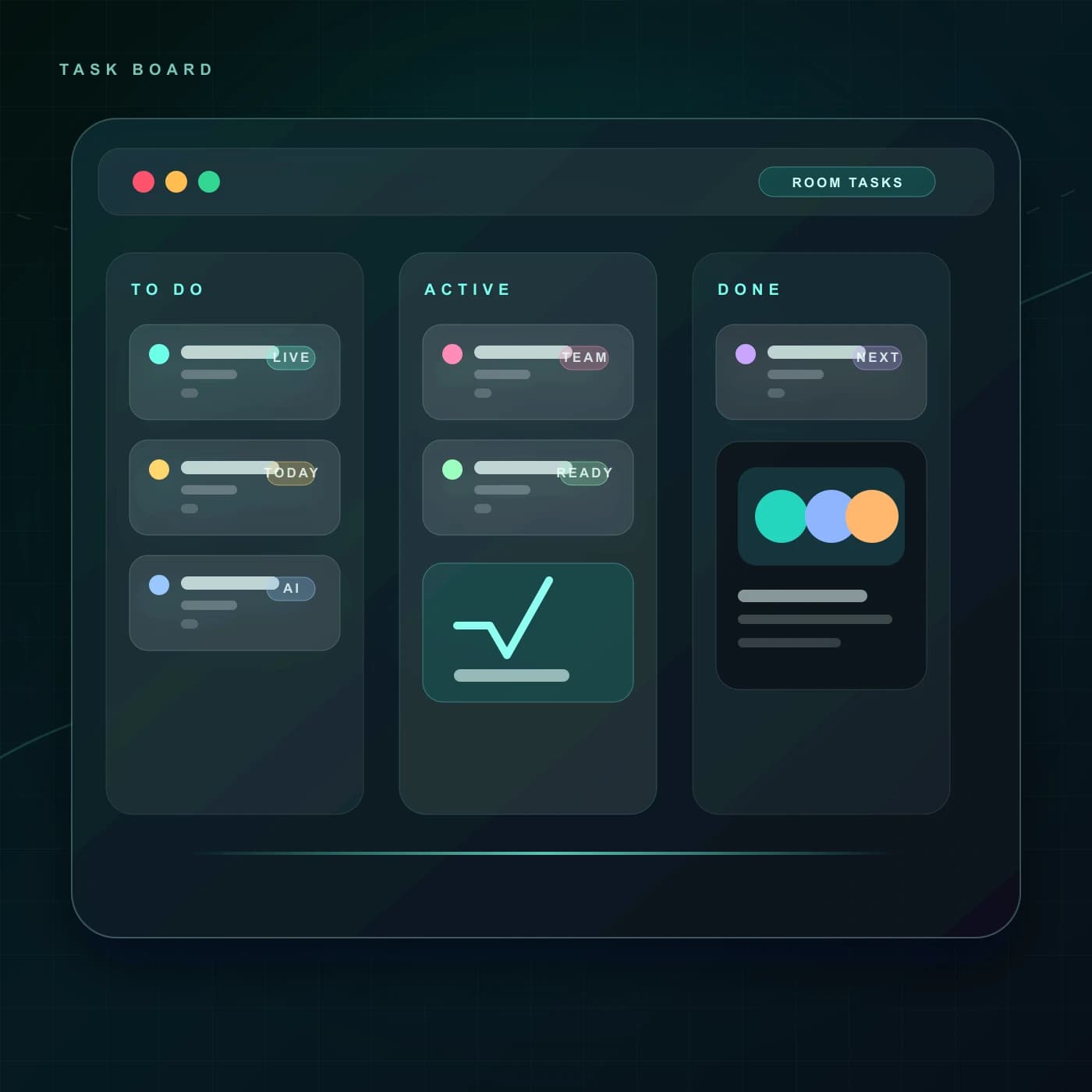
Open calendar, scheduling, tasks, whiteboard, chess, notes, and Kanban from one room-aware application layer.
One launcher
Tools open from the workspace
Shared identity
Apps follow the signed-in user
Room aware
Context travels into each tool
Composable
Use only the surfaces a team needs
The app layer gives each tool a clear destination while preserving the identity, room, and follow-up context that ties the workflow together.
Open the app launcher or move directly from a room into the tool you need.
Use the same signed-in workspace and room identity across tools.
Schedule, plan, draw, play, or manage tasks in a purpose-built surface.
Keep outputs discoverable from the workspace that started the work.
Each capability has a clear purpose and a direct place in the collaboration lifecycle.
Coordinate scheduled work and room-linked events.
Publish availability and generate a clean room invitation.
Track work through visible stages and ownership.
Contribute to a shared visual workspace in real time.
Launch a shared game surface directly from ChatRook.
Keep decisions and references close to their source room.
Solution
Apps and Integrations
Choose a surface
Open the app launcher or move directly from a room into the tool you need.
Carry the context
Use the same signed-in workspace and room identity across tools.
Work in the right view
Schedule, plan, draw, play, or manage tasks in a purpose-built surface.
Return to the room
Keep outputs discoverable from the workspace that started the work.
The value appears in the handoff between a live room and the work that continues afterward.
Every app entry opens a real, named surface rather than a generic fallback.
Common collaboration jobs remain reachable from one workspace.
Rooms, people, and outputs stay connected as the tool changes.
The product surface keeps access, ownership, and durable context visible so teams can make deliberate choices.
These capabilities share the room, participant, and follow-up context around this workflow.
Write decisions, references, and follow-up in a persistent note surface that stays attached to the room.
See availability, live-room presence, and current collaboration signals without interrupting the team to ask.
Rooms, messages, tasks, notes, calendars, and live tools share one workspace instead of becoming separate islands.
ChatRook workspace